


Discover New Ideas, Helpful Resources, and Practical Tips for Your Mobility Journey

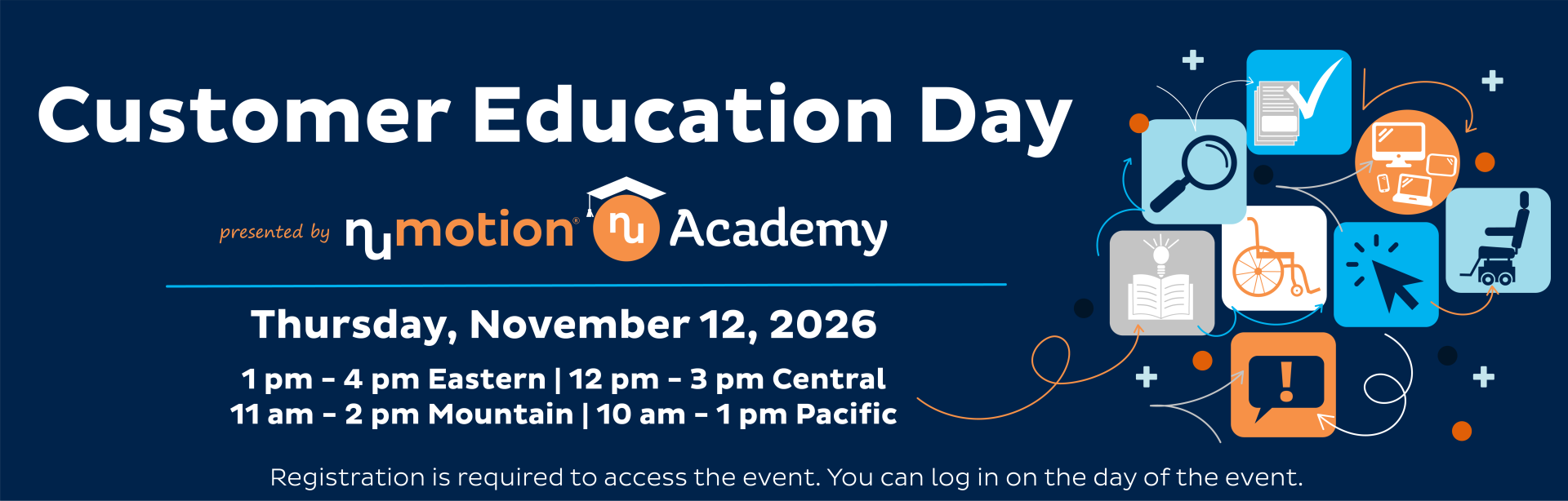
Join us for this online no-cost event created for customers, caregivers, and families. 

Learn more about caring, maintaining and getting the most from your equipment, funding, travel, adaptive driving, urological and speech solutions, developments shaping the future of Complex Rehab Technology and more. 

  • Discover new tools, resources, and support options
  • Choose the sessions that interest you most
  • Get practical tips for everyday life

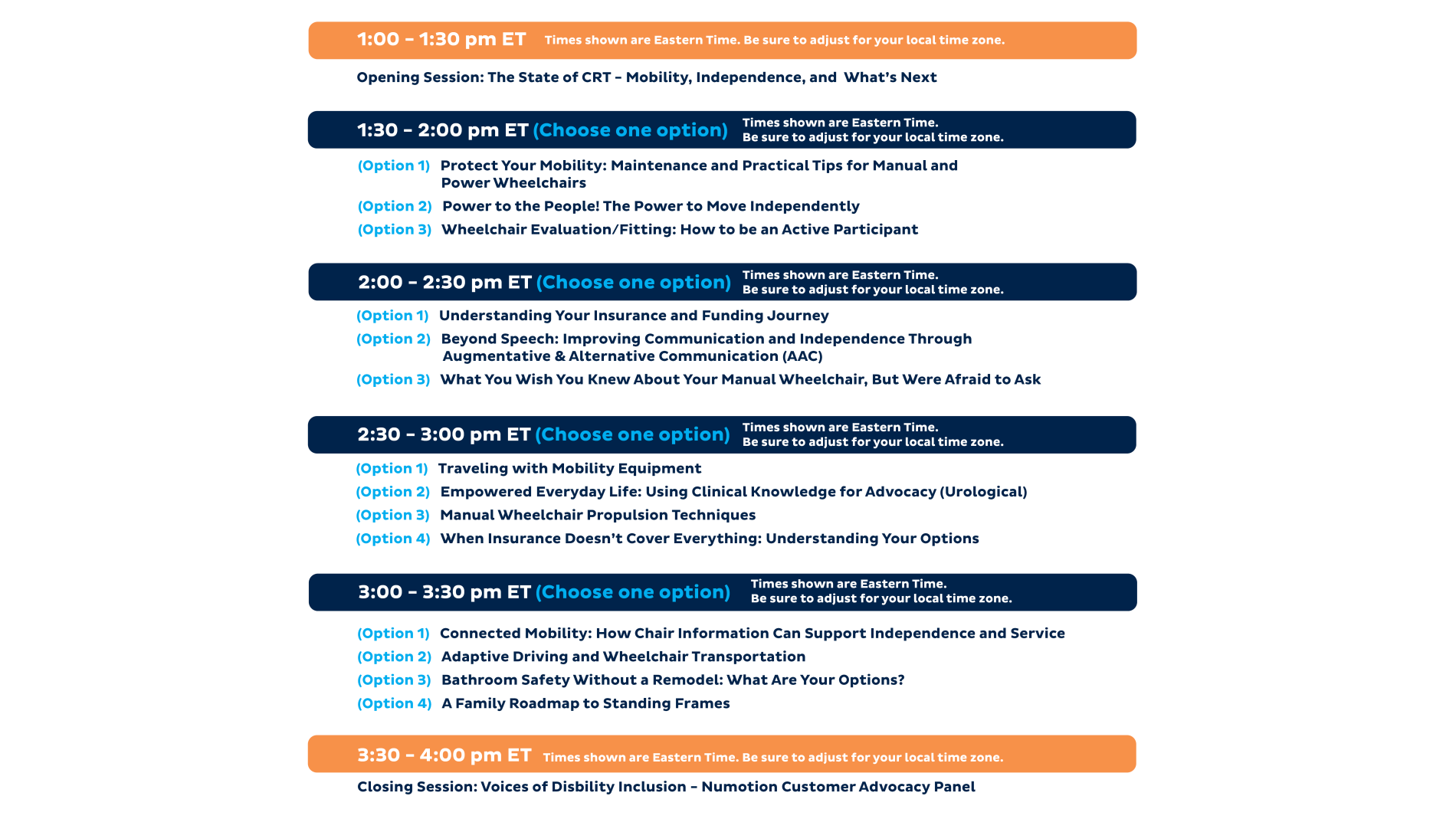
Agenda

Click here to see session details

Frequently Asked Questions


Choose from a variety of expert-led breakout sessions, hear insights from industry leaders, and get answers to common questions from others who understand your journey. 

Yes, to log into the event and access the content you will need to register. To register click on the register button on the top right hand side of this web page and complete the registration process.

You can log into the event 2 hours before the event starts (11:00 am ET / 10:00 am CT / 9:00 am MT / 8:00 am PT) on Thursday, November 12. There will be a login button. 


The event will look best on a desktop computer, laptop or tablet with a larger screen. If you prefer to use a mobile phone, you can access the desktop website or download the event app. 

The event app is the vFairs Unified Mobile App download for your mobile device. 

Apple (iOS)
https://apps.apple.com/us/app/vfairs-unified/id6752492395

Android
https://play.google.com/store/apps/details?id=com.vFairs.mobileAppV2&hl=en


The vFairs platform is compatible with any computer or mobile device, and you do not need to download any software. You will need access to the internet. 

If you are using the event app, you will need to download the  vFairs Unified Mobile App for your mobile device.

Apple (iOS)
https://apps.apple.com/us/app/vfairs-unified/id6752492395

Android
https://play.google.com/store/apps/details?id=com.vFairs.mobileAppV2&hl=en


On the day of the event (11/12/26), you can log into the event to attend. 

Once you log into the event, click on the Scheduled Education Sessions Banner to access the sessions.  A join button will appear at the time the session is scheduled to begin.


There is an overview agenda on this page and link to full session descriptions as well. Once logged into the event, you can find the agenda and session details from the link the in navigation bar, or in the Scheduled Education Sessions section.

Yes, we will email all registrants a link to review recorded sessions after the event.


The vFairs event platform includes accessibility features such as screen reader support, keyboard navigation, adjustable display settings, and cognitive assistance tools to help create an inclusive experience for all attendees. You can access the accessibility features by clicking the blue circle person icon on the bottom left of the event screen. Learn more here.

A live help chat will be available on this web page on the day of the event.

If you have Numotion questions not related to the event you can call 800.500.9150 or email CustomerCare@numotion.com.